Only
€10
Per Workshop
Set up your first OpenClaw assistant in 2 hours, even with zero technical background.
Pick your Mac or Windows session. We install OpenClaw together, configure your first practical assistant, and you leave with it running on your own machine.
Instant Luma confirmation, live guidance, and full refund if not useful.
Want to build software instead? See the Claude Code workshop.
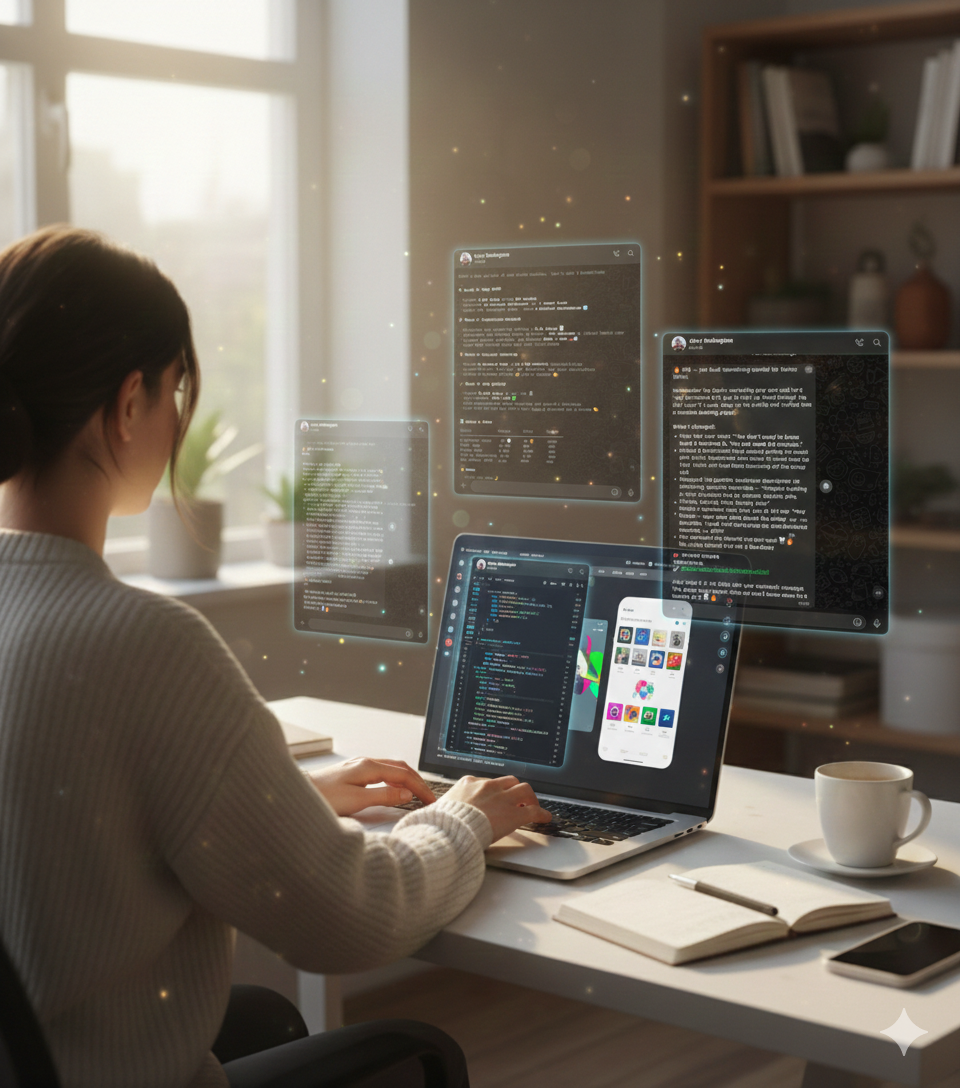
Live and Hands-On
You build with guidance in real time and can ask for help as you go.
Beginner-Safe Pace
No coding assumptions. Every setup step is explained in plain language.
Low-Risk Decision
€10 ticket with a full refund if the workshop is not useful for you.
What OpenClaw is
OpenClaw is a personal AI assistant you run on your own computer. It helps you automate useful tasks instead of only chatting in a browser tab.
Before
You keep seeing people talk about AI assistants but every setup guide feels too advanced.
During
We install everything together with plain-language guidance and live troubleshooting.
After
You leave with your assistant running and a simple process you can repeat yourself.
Pick your session and claim your seat
Choose the workshop that matches your laptop. Both sessions are live, practical, and beginner-first.
From Zero To OpenClaw: AI Assistants for The Rest of Us (Mac Edition)
Tuesday, March 3, 2026 · 17:00-19:00 CET
The same OpenClaw workshop tailored for Mac users, with each step explained in plain language.
You leave with OpenClaw working on your own Mac and confidence to keep going.
Claim My Mac Seat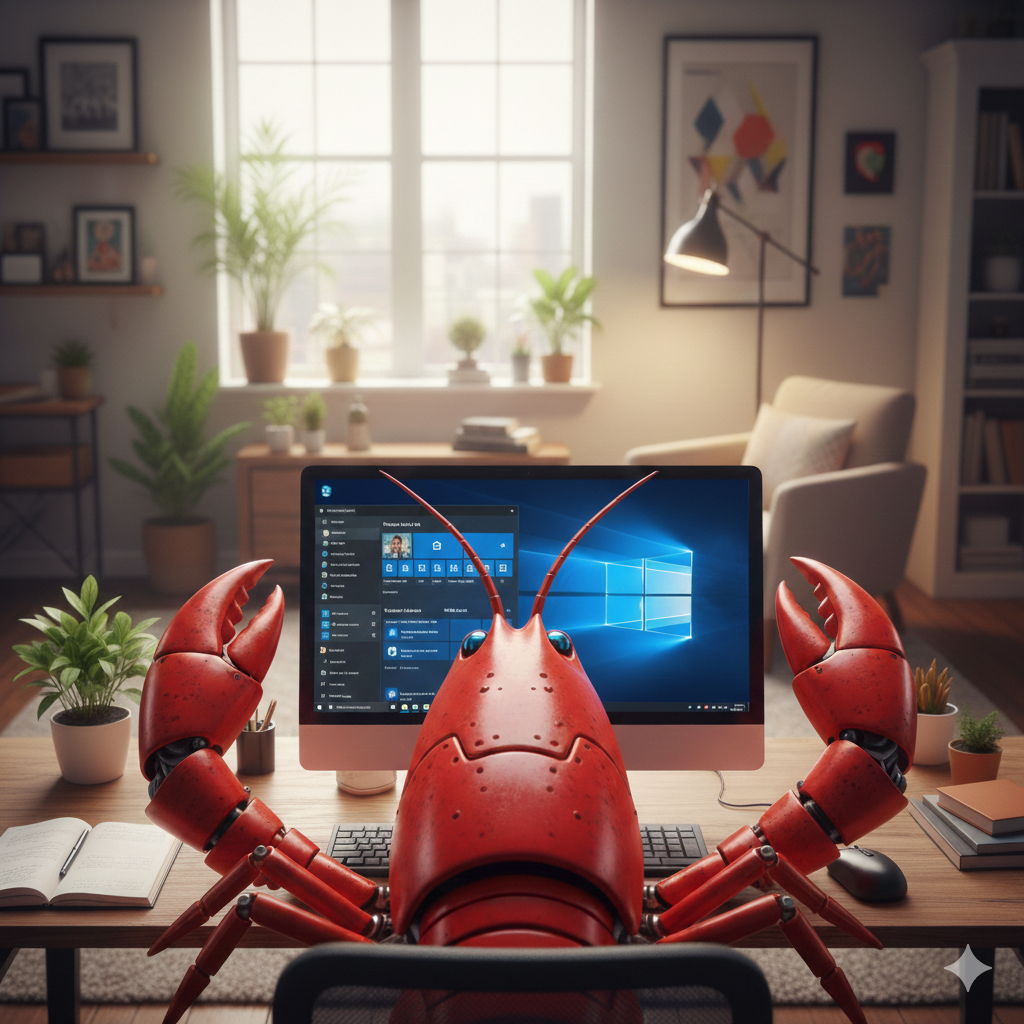
From Zero To OpenClaw: AI Assistants for The Rest of Us (Windows Edition)
Thursday, March 12, 2026 · 17:00-19:00 CET
A beginner-first Windows session where we set up OpenClaw together and build your first practical assistant.
You leave with OpenClaw running and a repeatable setup process.
Claim My Windows SeatRisk-Free Try
If this is not useful, we refund your €10.
Join the session, follow along, and decide based on real experience. If you do not find it useful, reply and we refund in full.
Questions before you join
Do I need technical experience?
No. This workshop is built for complete beginners.
What do I need to bring?
A reasonably recent Mac or Windows laptop and a paid Claude or ChatGPT account.
Is this live and hands-on?
Yes. You build alongside me in real time and can ask questions as you go.
Will this work if I have never used a terminal?
Yes. We start from zero and walk through each step together.
How much does it cost?
€10 per workshop. If it is not useful, you can request a full refund.
Next Step
Ready to leave with OpenClaw running on your laptop?
Choose Mac or Windows, join live, and follow the setup in real time. This workshop is designed to make your first AI assistant practical, not overwhelming.
Small step, low risk, and immediate confirmation on Luma.
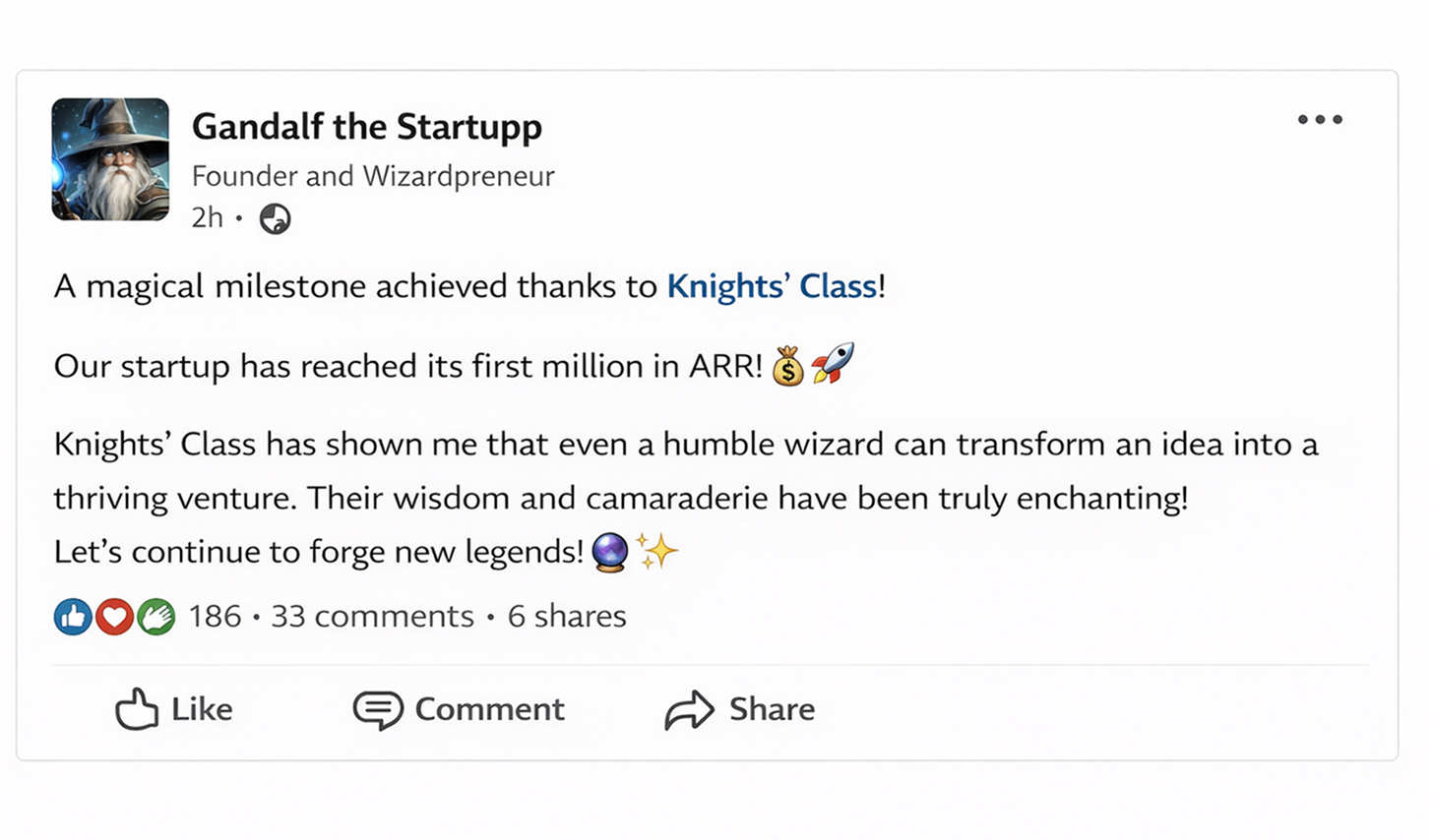
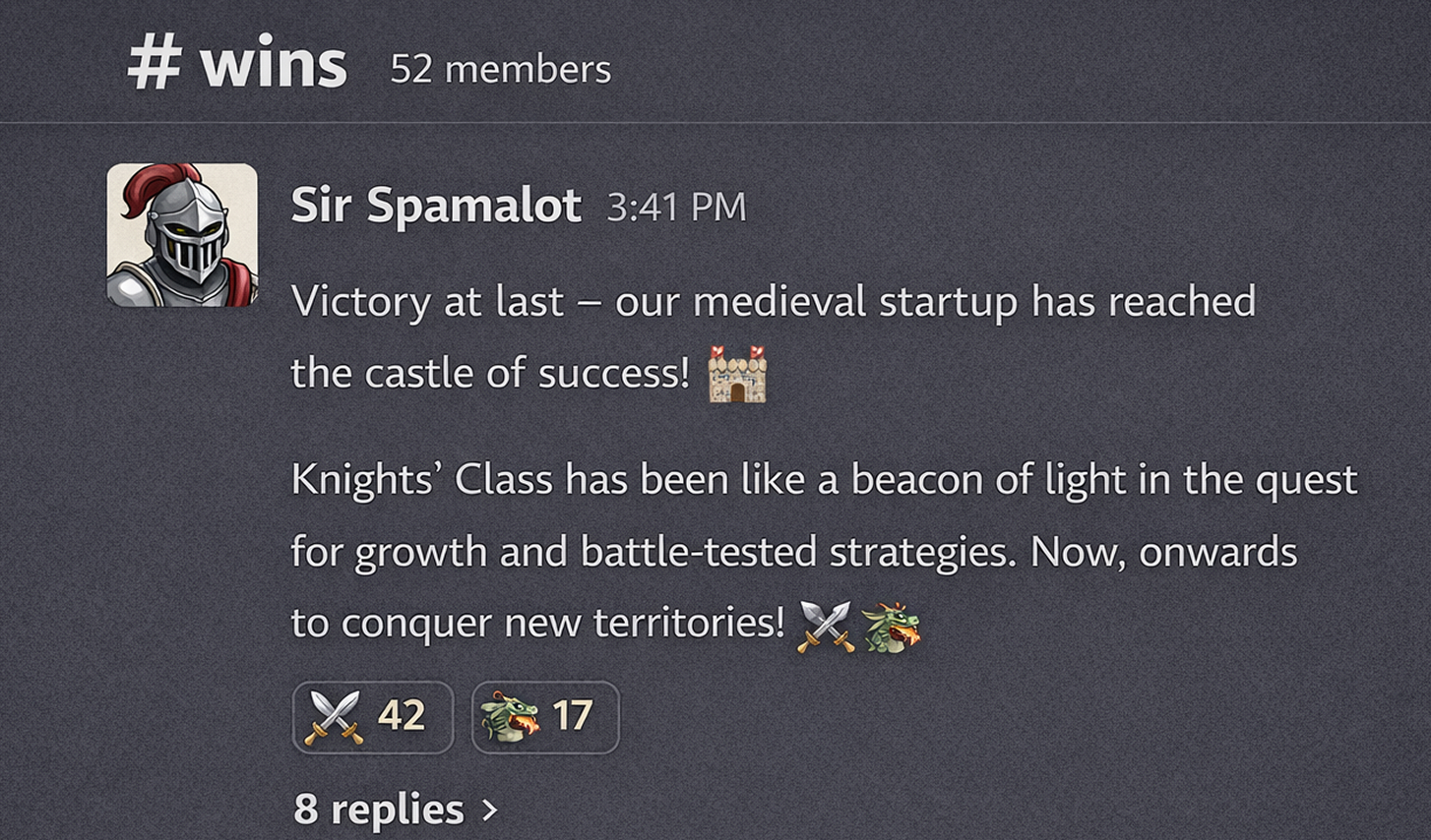
What people share publicly after shipping
Real posts from the wider Knight's Class community that reinforce the outcomes we teach.